Step inside history
One student explores the historical world in VR and shares discoveries with the rest of the group.

VR lessons for schools
Inspire your classroom. Explore the past in virtual reality.
Available on these VR headsets.
Worksheets and teacher answer keys included.
Explore and solve tasks together.
How a lesson works
One student explores the historical world in VR and shares discoveries with the rest of the group.
Teammates use tablet guides and worksheets to record clues and decipher hieroglyphs.
Start lessons, follow group progress and switch roles from your browser.
The lesson library
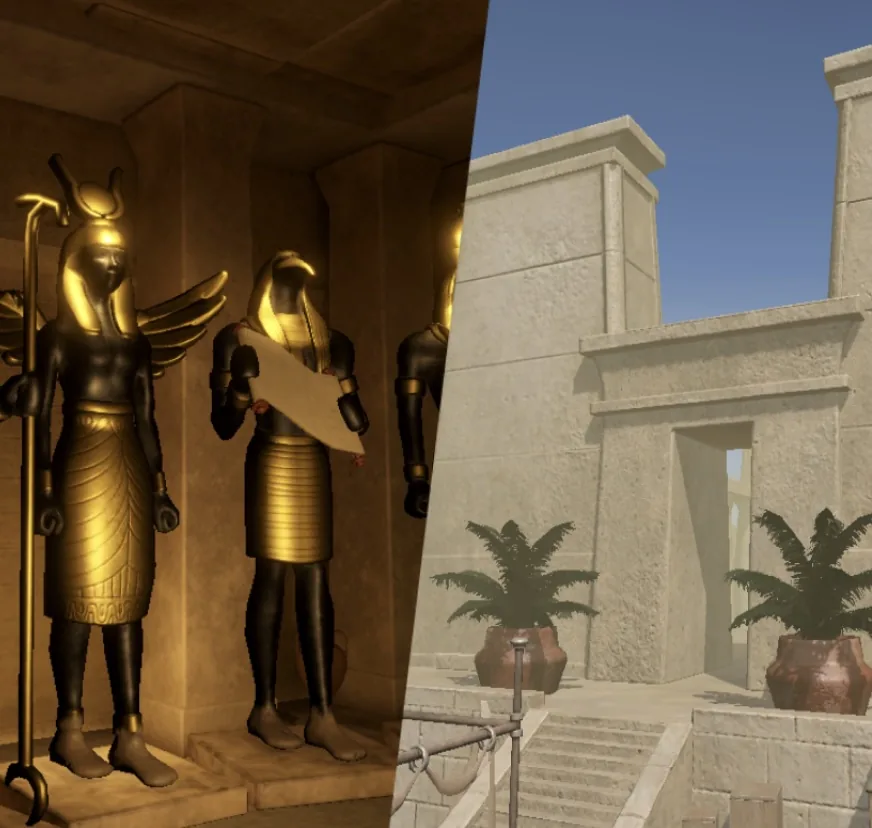
Pyramids and temples
Step onto the Giza plateau in 2500 BC. Explore Khufu’s inner tomb and decipher temple hieroglyphs.
Explore Ancient EgyptThe Colosseum, the Forum, and the engineering that shaped a civilisation.
Fortifications, siege tactics, and everyday life inside a medieval fortress.
Scenes from the VR lesson
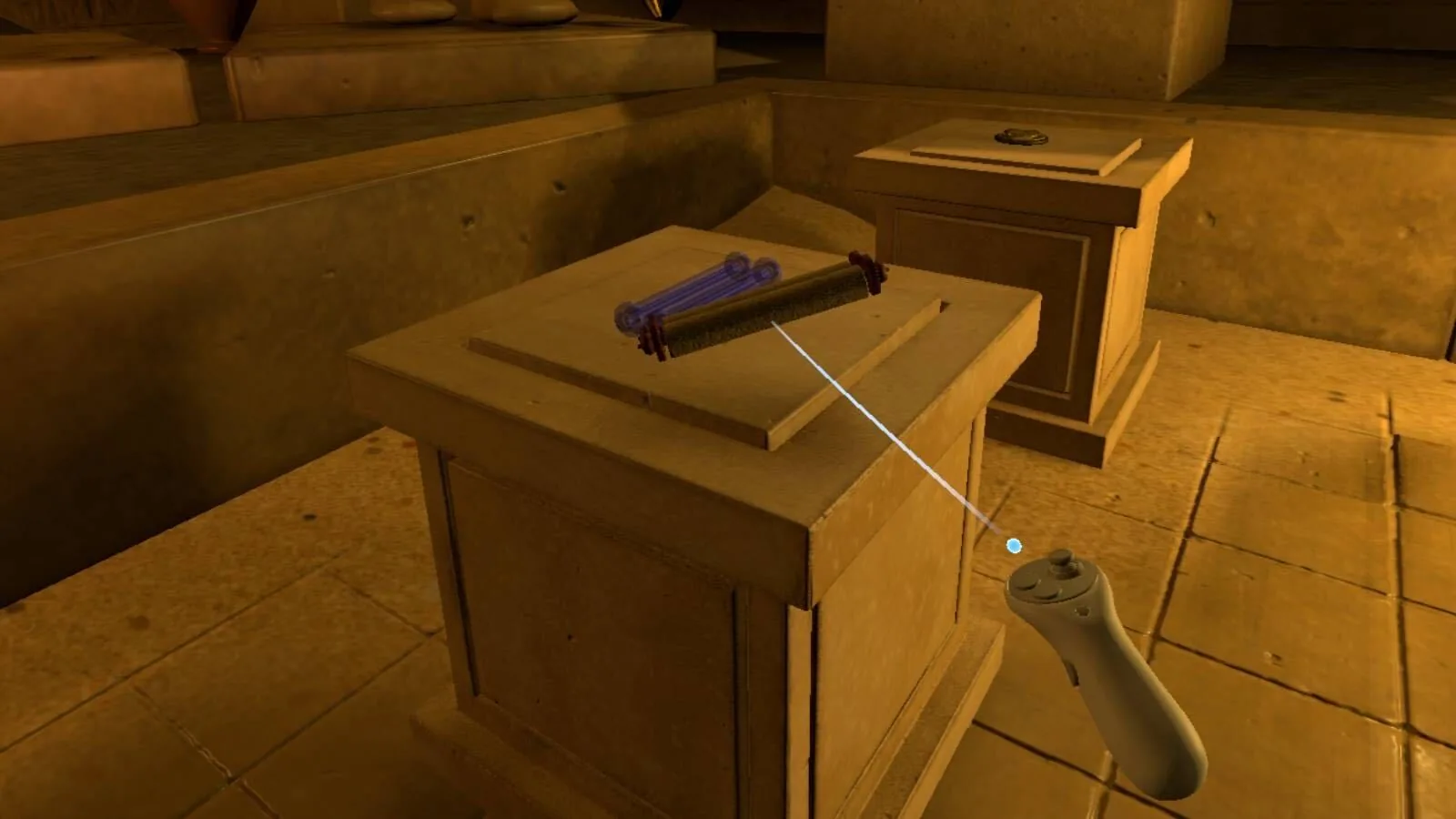
Explore the pyramids and the landscape of Ancient Egypt.
Interactive history lessons in virtual reality, with quests, teamwork and practical tasks.
A complete lesson plan, student worksheets and a teacher’s answer key. The lesson is ready to teach.
The lessons are designed primarily for grade 6 history (ages 11–12). Every chapter comes in three difficulty levels, so they work well with other grades too. You can choose the chapters and difficulty for each group separately, which makes it easy to differentiate the lesson within one class.
English and Czech. The VR app uses the language set on each headset, the teacher’s web app works in both, and worksheets and answer keys open in either language, independently of the app.
Meta Quest 2, 3 and 3S. Teachers guide lessons through a web browser.
No. One VR headset per group is enough, and groups typically have 2–5 students. Students take turns exploring while their teammates work with tablet guides and worksheets.
A Wi-Fi connection – lessons use very little data. Watching a headset’s live stream uses more, but it’s optional. Then:
Everything runs from a web browser on your computer:
Yes. Feeling brave? You can set up Viademy for your school by yourself and use it completely free for thirty days. If you’d rather have a guided start, contact us to arrange a demonstration or pilot at your school.
Set up your schoolQuestions or a school pilot? Send us a message.
You can now set up Viademy for your school by yourself and use it completely free for thirty days.
Set up your school